Getting started
Set up a shop: your first day
A checklist from sign-up to your first sale. Each step links to the full guide.
Before you start
- About 30 minutes
- Your price list, or the goods on your shelves to count
Step 1: 1. Create your account and business
Read: Set up your businessSign up with your email, then answer the 4 setup steps. Choose Shop when ShopBook asks what kind of business you run.
Step 2: 2. Add what you sell
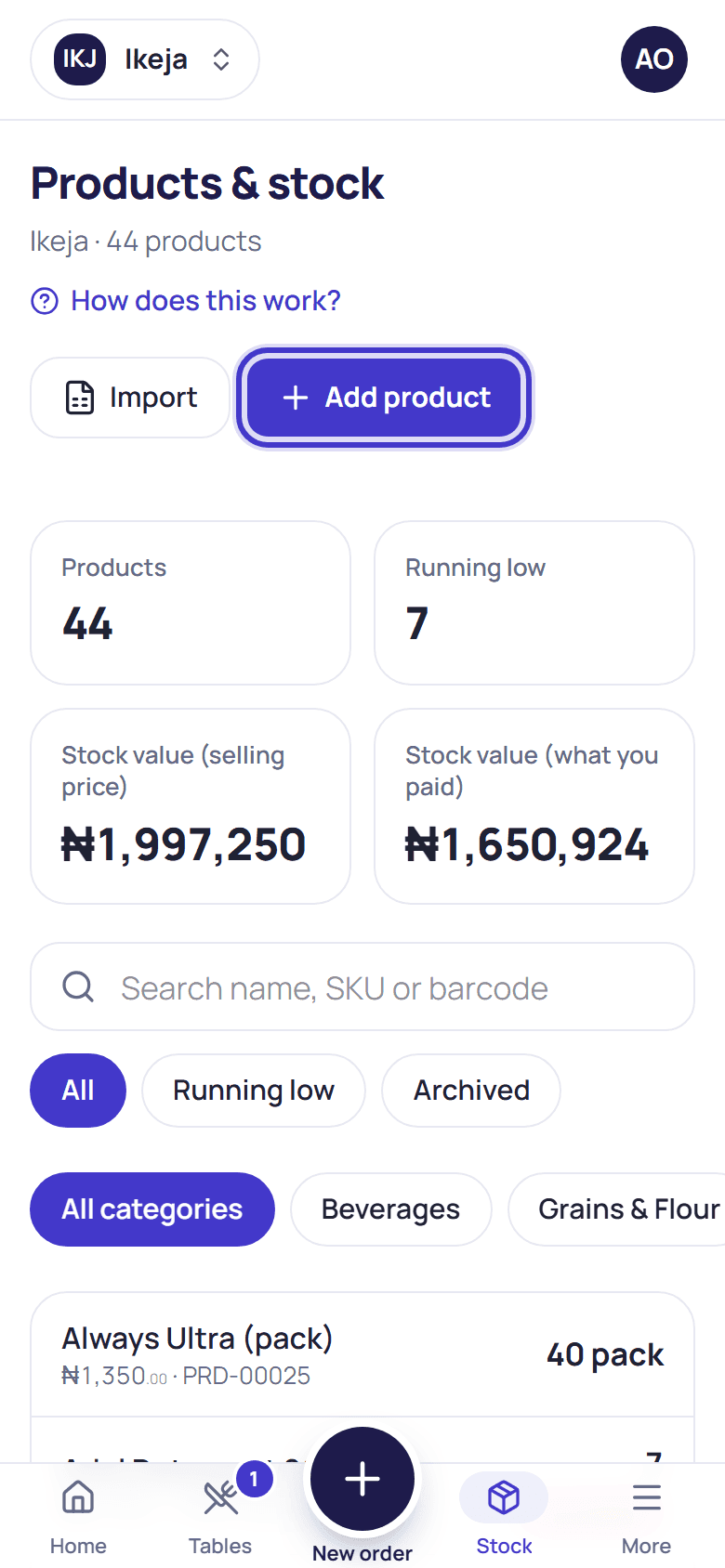
Add each product with its selling price, cost price and how many you have now. Have many products? Bring them in from an Excel sheet instead.
Read: Add a productTip:Start with your 20 best sellers. You can add the rest later.
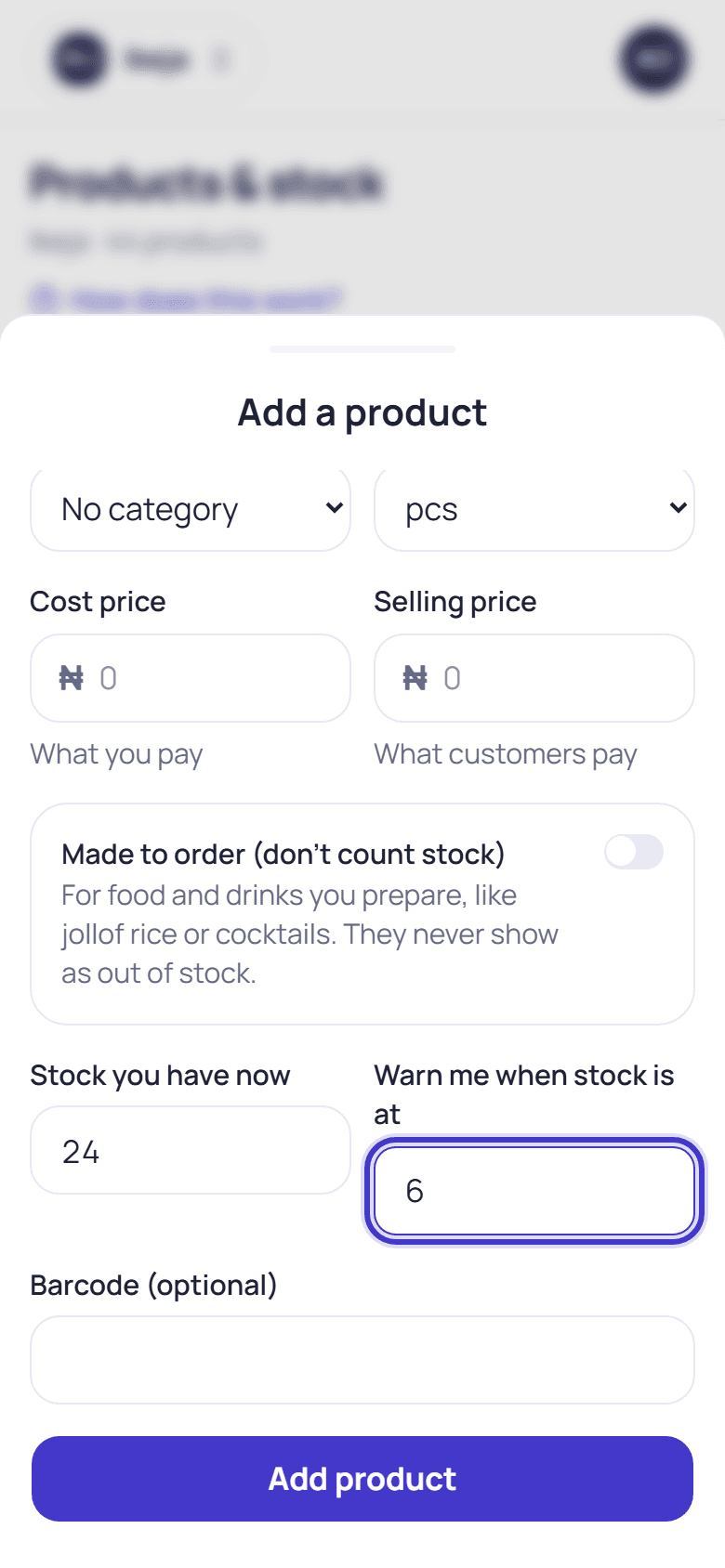
Step 3: 3. Set low-stock warnings
Read: Low stock warningsTell ShopBook when to warn you that a product is running out, so you re-stock in time.
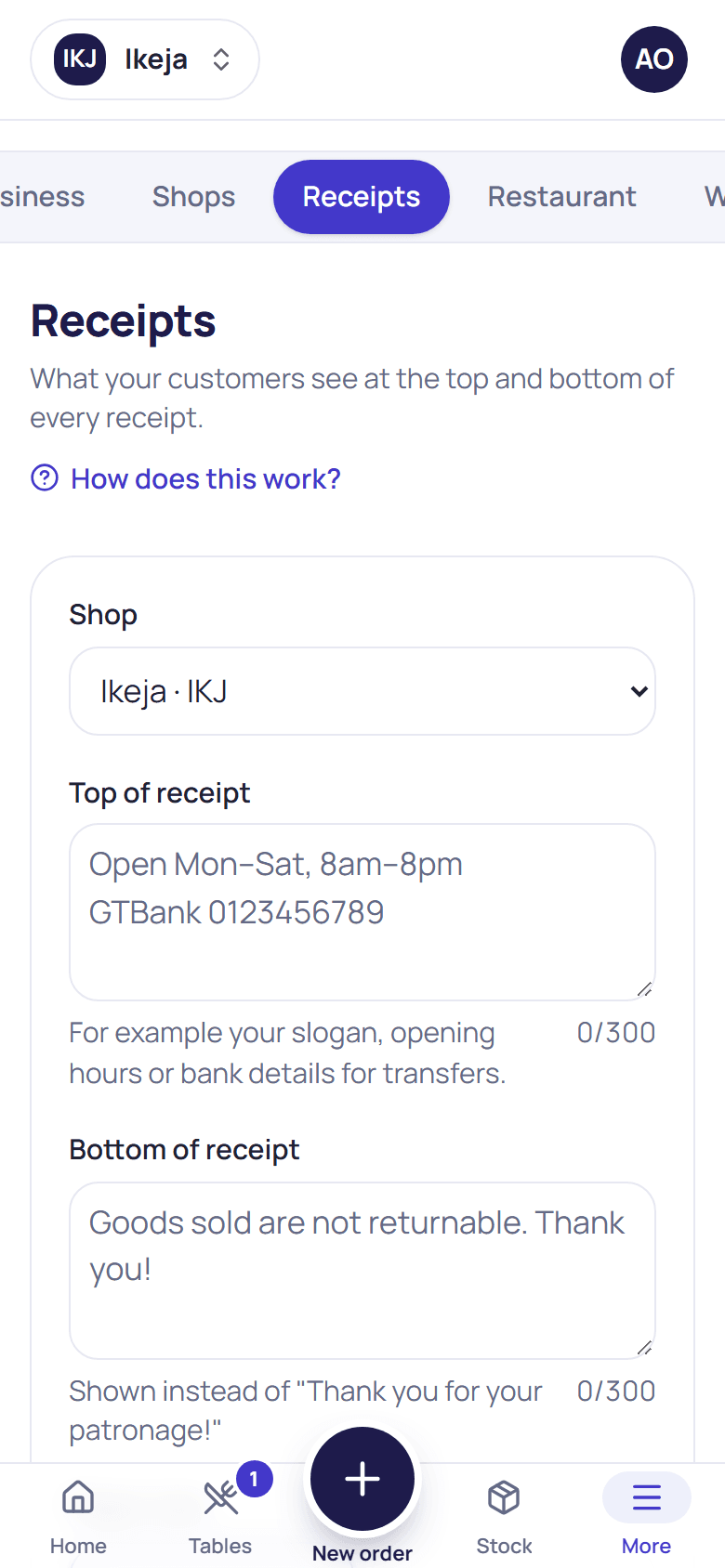
Step 4: 4. Set up your receipt
Read: Set up your receiptsAdd your phone number, address and a thank-you line so they print on every receipt.
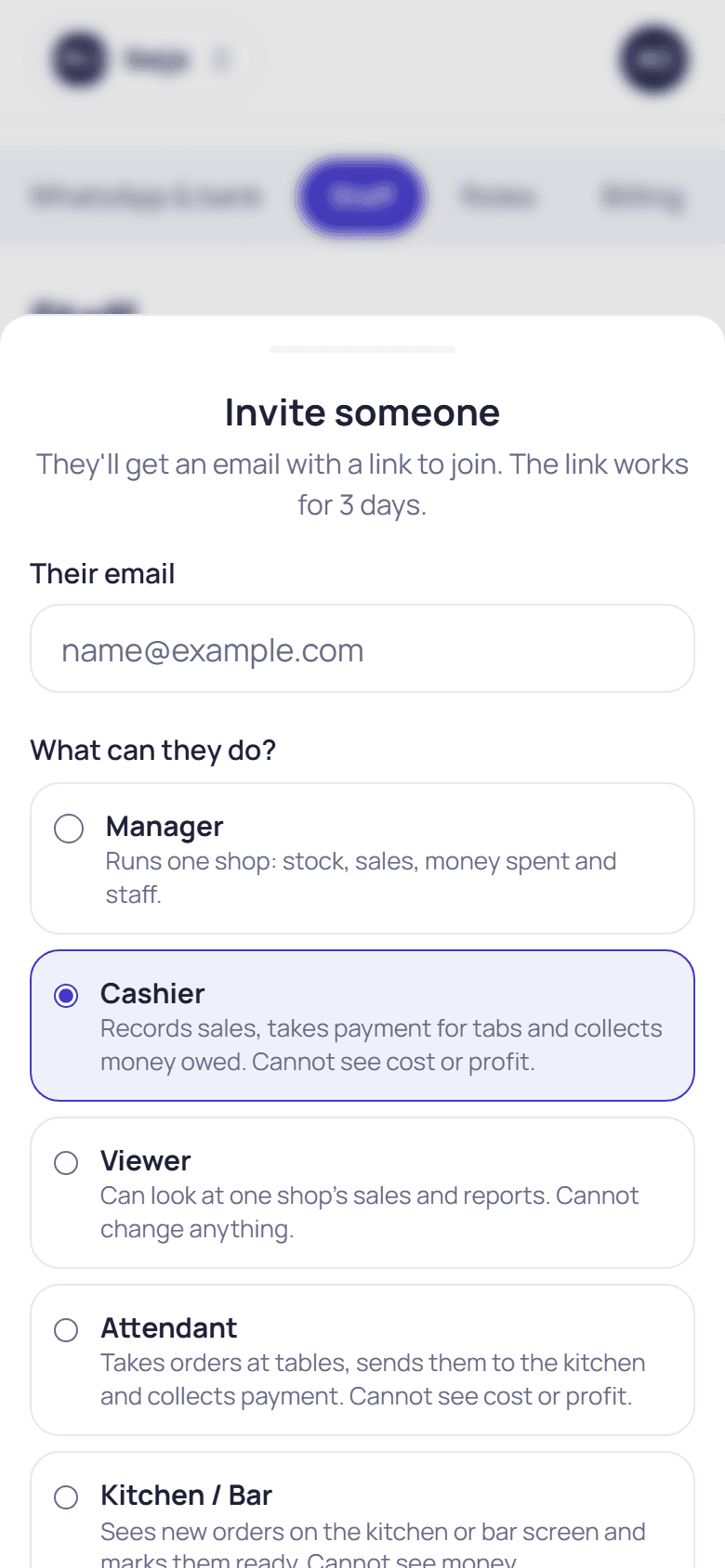
Step 5: 5. Invite your staff
Read: Invite someone to work with youGive each cashier their own login, so every sale shows who made it and you can see sales per person.
Step 6: 6. Make your first sale
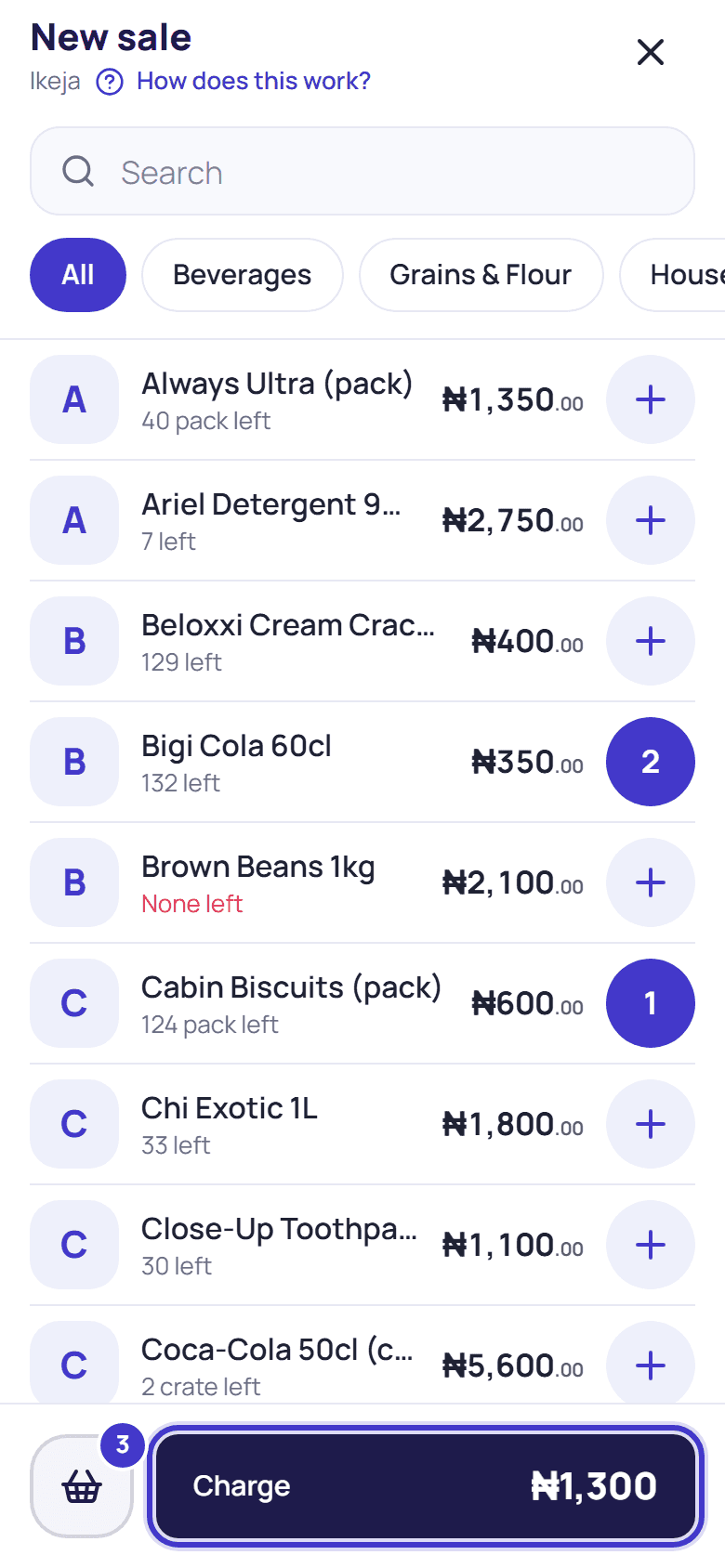
Read: Make a saleOpen New sale, tap a product, take the money and finish the sale. Stock goes down by itself.
Step 7: 7. Check your day
Read: Daily sales reportAt closing time, open Reports to see what you sold and how much cash should be in the drawer.