Buying stock
Record stock you bought
Add goods you bought to your stock, with what you paid, so stock counts and profit stay right.
Before you start
- The goods are in the shop
- Your invoice or receipt from the supplier
- The products are already added in ShopBook
Step 1: Start a new record
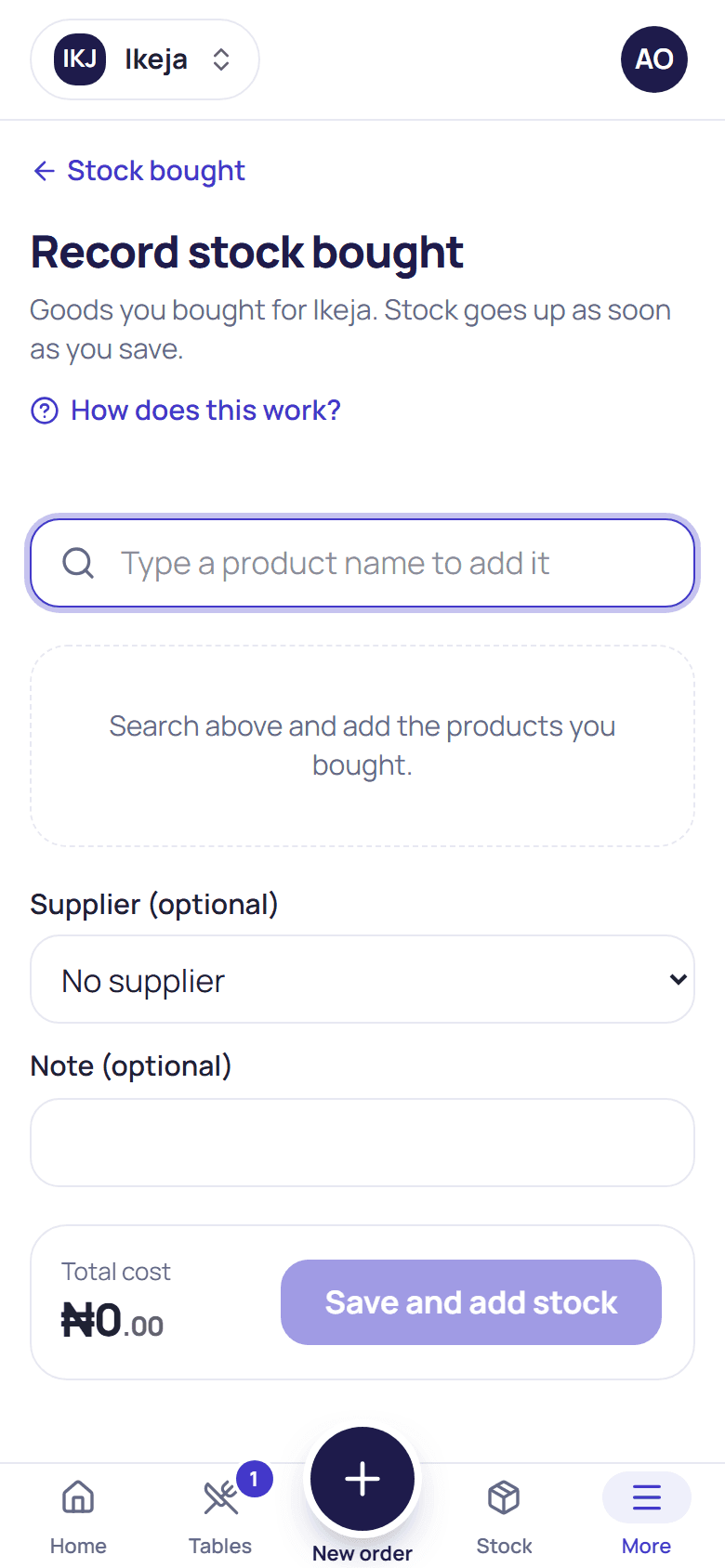
Go to Stock bought and tap Record stock bought.
Tip:Make sure the shop name at the top is the shop the goods went into. Stock is added to that shop only.
Step 2: Add the products
Type a product name in the search box (Type a product name to add it) and tap the product in the list. It shows how many you have in stock now. Repeat for every product on the invoice.
Read: Add a productBe careful:Can't find it? It may be a Made to order product (those don't count stock) or archived. A new product must be added first.
Step 3: How many and the cost
For each product, type How many in the product's unit, for example 24 pcs, and the Cost each: what you paid for one. ShopBook fills in the last cost price for you; change it if the price went up or down.
Tip:Bought by the carton but sell single pieces? Multiply. 2 cartons of 12 is 24, and the cost each is the carton price divided by 12.
Step 4: Update the cost price
Use this price to update the product's cost is ticked for you. Leave it ticked so your profit uses the new price. Untick it only for a one-off price, like a special discount you won't get again.
Step 5: Supplier and note
Read: Keep a list of your suppliersChoose who you bought from in Supplier (optional), or leave No supplier. Add a Note (optional) if it helps, for example Invoice 4471.
Step 6: Save
Check the Total cost at the bottom, then tap Save and add stock. Stock goes up straight away, and you see the purchase with its number, like IKB-P-000012.
Read: Cancel stock boughtBe careful:Typed something wrong? You can't edit a saved purchase. Cancel it and record it again.
Step 7: See what you've bought
Stock bought lists every purchase with the supplier, the number of products and the total. Use the period filter at the top to look further back. Total spent on stock adds them up.