Business expenses
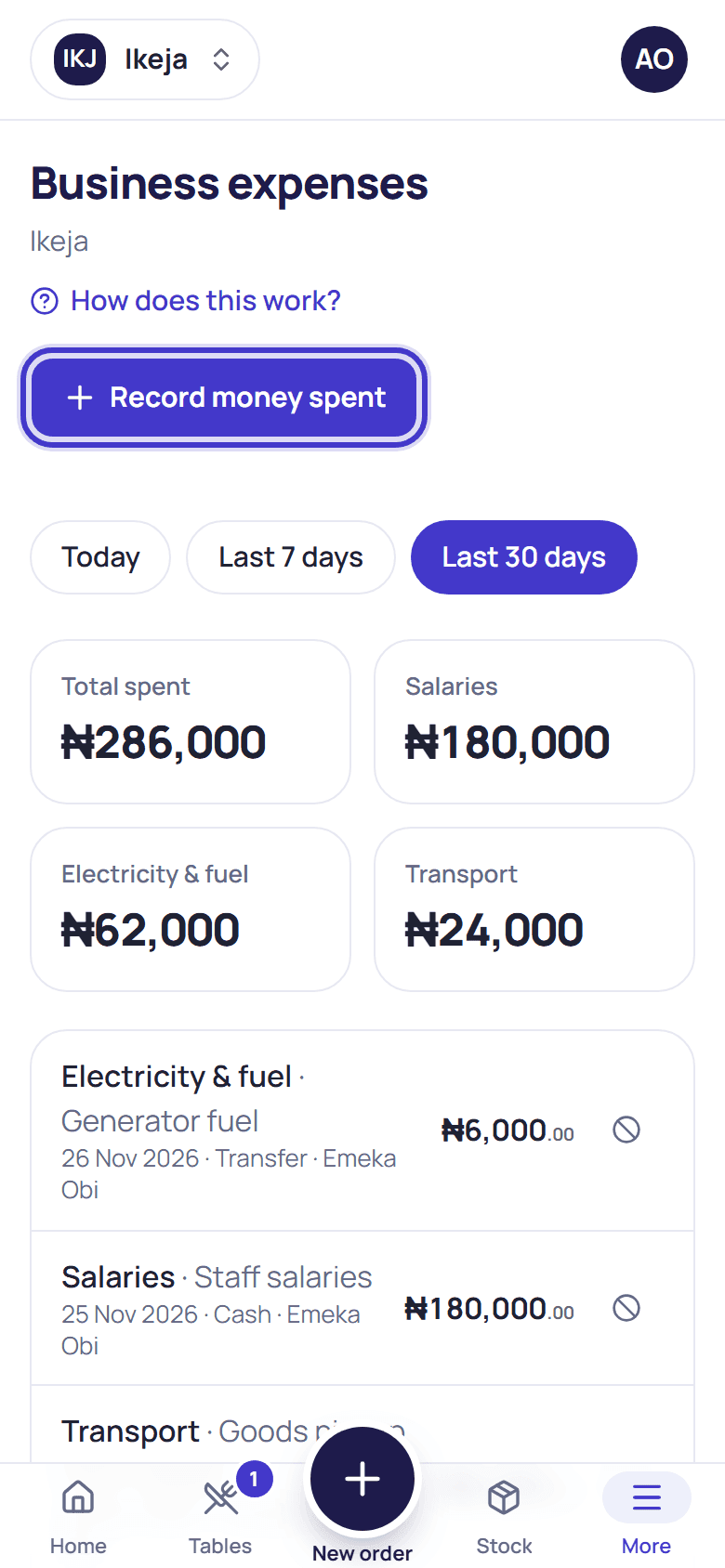
Record money spent
Write down rent, transport, fuel, salaries and other costs so your profit is correct.
Step 1: What counts as an expense
Read: Record stock you boughtAny money that leaves the business that is not stock you will sell: rent, transport, generator fuel, NEPA bill, salaries, repairs, data. Goods you buy to resell go under Stock bought instead.
Step 2: Open the form
Go to Business expenses and tap Record money spent.
Step 3: Amount and type
Type the Amount. Under Spent on, choose the type of cost. The first time, choose + New type… and type a name in New type, for example Generator fuel. It's saved for next time.
Tip:Keep the types short and few, like Rent, Transport, Fuel, Salaries. Your biggest types show as boxes at the top of the screen.
Step 4: Note, payment and date
Add a Note (optional), for example Diesel for 3 days. Tap how you paid: Cash, Transfer or POS / Card. The Date is today; change it if you spent the money on an earlier day.
Step 5: Whole business or this shop
Owners and admins see a Whole business box. Tick it for costs shared by all your shops, like head-office rent or your accountant's fee. Leave it empty for costs of this shop only.
Be careful:A Whole business expense doesn't show in a single shop's list. Choose All shops at the top to see it.
Step 6: Save
Tap Save. The expense appears in the list with the type, note, date, how it was paid and who recorded it. Total spent at the top adds up the period you're looking at: Today, Last 7 days or Last 30 days.