All guides
Restaurant & lounge
Serve food and drinks
See what's ready and mark it as served.
Restaurant & lounge Attendant, Manager, Admin, Owner Sidebar → Tables → tap a table
Step 1: See what's ready
When the kitchen or bar taps Ready, the table's tile on the Tables screen shows ready with a number. On a phone, the Order tab of the tab shows it too.
Tip:The Tables screen updates by itself every few seconds. You don't need to refresh it.
Step 2: Take it to the table
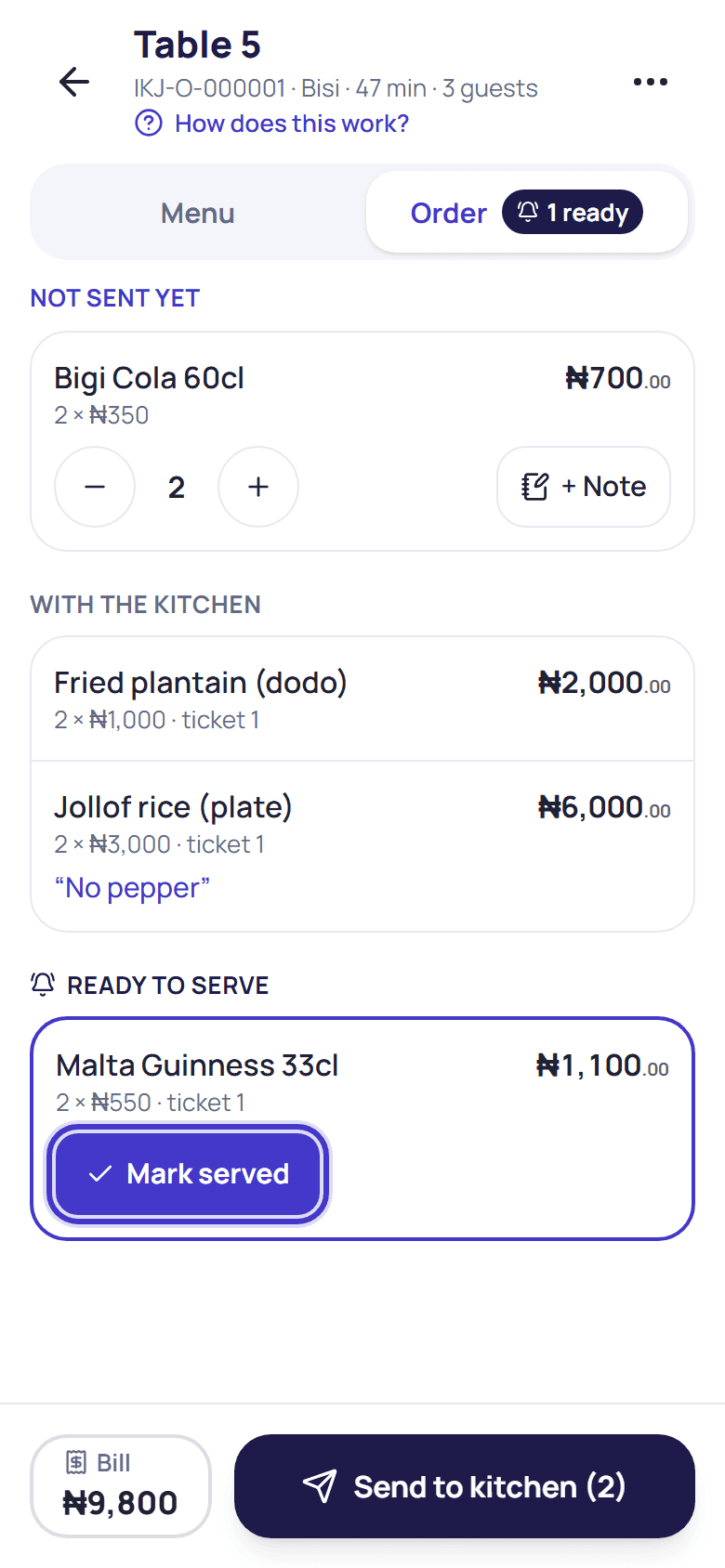
Open the tab. Ready items are under Ready to serve.
Step 3: Mark it served
Tap Mark served next to each item you took to the table. If several items are ready, tap Serve all to mark them all at once. They move to Served.