Customer debt
Remind a customer on WhatsApp
Open WhatsApp with a polite reminder already typed, so the customer knows what to pay and how.
Before you start
- WhatsApp is on the phone or computer you are using
- Your WhatsApp number and bank details are set in **Settings → WhatsApp & bank** (so they appear in the message)
Step 1: How reminders work
ShopBook does not send messages by itself. It opens your own WhatsApp on this phone, with the customer's chat open and the message already typed. You read it and press Send.
Step 2: Open the customer
Go to Customer debt and tap the customer. Tap Remind on WhatsApp.
Tip:In the list, the round WhatsApp button at the end of each line does the same thing, without opening the debt.
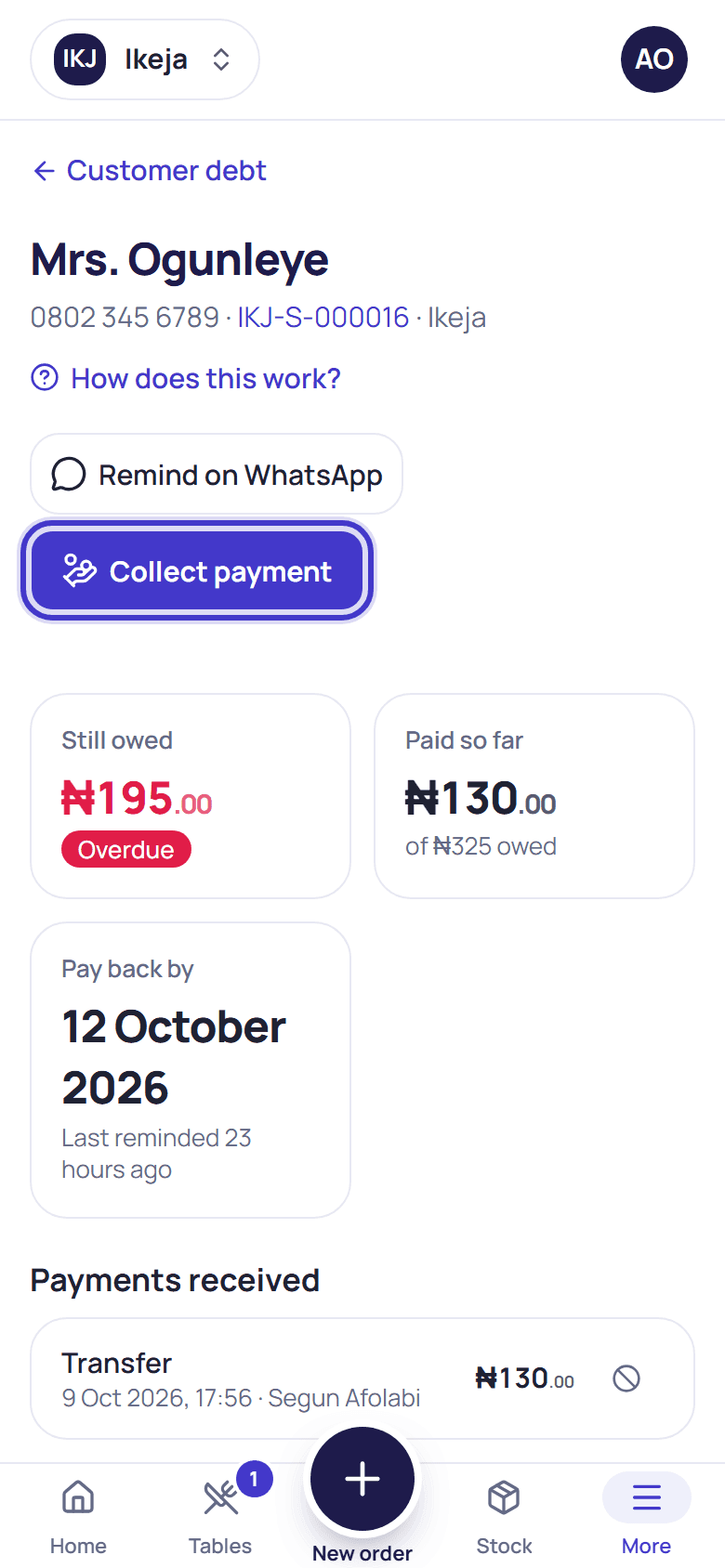
Step 3: Press Send in WhatsApp
WhatsApp opens with a message like: Hello Ada, This is a friendly reminder from Ikeja Branch that ₦4,000 is still owed… It includes your bank details and WhatsApp number if you set them. Check it and press Send.
Step 4: No phone number yet?
ShopBook shows No phone number yet. Type the Customer name and Phone number, then tap Save phone number. Now tap Remind on WhatsApp again.
Step 5: Reminded recently?
The debt shows Last reminded … so the whole team knows. If someone reminded this customer in the last 24 hours, ShopBook asks Send another reminder? Tap Send again, or Not now to leave it.
Be careful:ShopBook records that WhatsApp was opened, but it can't know if you pressed Send. Always press Send in WhatsApp.
Step 6: Change the message
Read: Set up WhatsApp, bank details and the reminder messageOwners and admins can change the reminder words, the WhatsApp number and the bank details in Settings → WhatsApp & bank. Managers can set their own shop's WhatsApp number and bank details there.