Products & stock
Import products from Excel
Bring in your whole product list from an Excel or CSV file in one go.
Before you start
- Your product list in Excel (.xlsx or .xls) or a .csv file
- The first row of the sheet holds the column names
Step 1: Open the import screen
Go to Products & stock and tap Import. You'll see Import from Excel.
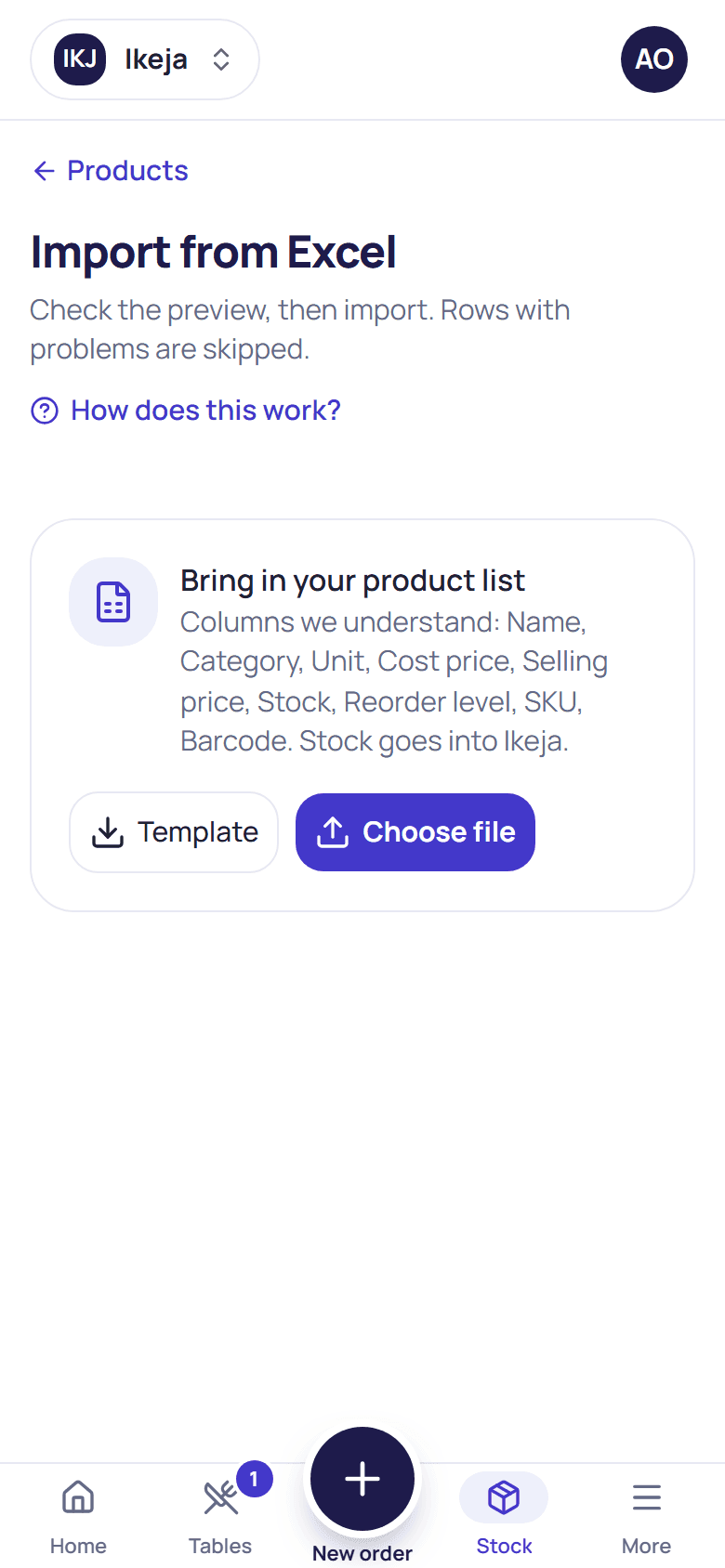
Step 2: Get the template (easiest)
Tap Template to download a ready sheet with the right columns and two sample rows. Type your products into it, one product per row.
Step 3: The columns ShopBook understands
Put these names in the first row. Only Name and Selling price are a must:
- Name: the product name.
- Category: for example Drinks. New categories are made for you.
- Unit: for example pcs, carton, kg. Empty means pcs.
- Cost price: what you pay for one.
- Selling price: what customers pay for one.
- Stock: how many you have now in this shop.
- Reorder level: the number that triggers the low-stock warning.
- SKU: your own product code, if you have one.
- Barcode: the numbers under the barcode.
Tip:Close names also work, such as Product, Item, Price, Cost, Qty or Quantity.
Step 4: Choose your file
Tap Choose file and pick your sheet. ShopBook reads only the first sheet in the file.
Be careful:One file can have up to 2,000 rows. If yours has more, split it into two files and import them one after the other.
Step 5: Check the preview
ShopBook shows every row with a Status. Ready rows will be imported. Rows with a problem show what's wrong, like Selling price is missing or Name is missing, and are skipped. Fix them in your sheet and choose the file again, or go ahead without them.
Step 6: Import
Tap the Import … products button (it shows how many rows are ready). ShopBook tells you how many products are new and how many were updated.
Be careful:A product with the same SKU or name as one you already have is updated, not added twice. Its prices change to the ones in the file, and any number in Stock is added to what you already have. Clear the Stock column before you import the same file a second time.